Claude for Chrome has been capturing the headlines lately, promising a future where AI doesn’t just talk to you, but works for you. But is this tool actually ready for your day-to-day professional life?
According to early global reviewers and Anthropic’s own documentation, the answer is: it is promising and powerful in the right workflows, but it remains a beta tool that requires a paid plan and careful supervision.
What is Claude for Chrome?
Claude for Chrome is the official browser extension from Anthropic that grants Claude the ability to “see” and act within your browser environment. Unlike standard chatbots, Claude can now:
- Read and interpret web pages in real-time.
- Click buttons and navigate complex flows.
- Fill out forms and move data between tabs.
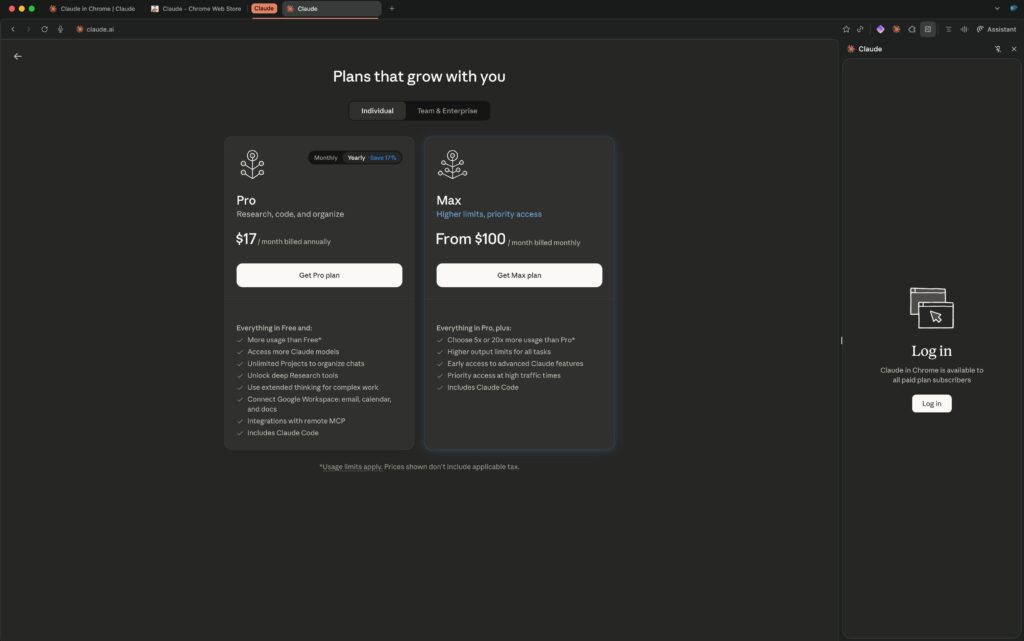
Currently, this feature is available in beta exclusively to paid subscribers (Claude Pro, Team, or Enterprise).
“Let Your Browser Work for You”
Anthropic positions this extension as a way to offload mental overhead. Claude can run tasks across multiple tabs, operate in the background, and even follow a schedule while you focus on higher-level strategy. It also integrates seamlessly with Claude Code and the Claude Desktop app, connecting your local development environment directly to browser actions.
Real-World Use Cases
Early adopters have found success using Claude for repetitive, structured workflows:
- Automated Analytics: Claude can navigate complex dashboards, extract key metrics, and compile a summary without you needing to manually export data.
- Google Drive Management: It can scan your Drive, organize folder structures, move files, and flag duplicates for your review.
- CRM & Calendar Sync: Claude can read your calendar, pull context from email threads, and draft activity notes directly into your CRM (like Salesforce or HubSpot).
- Product Research: It can browse multiple product pages, normalize specifications, and build comparison tables in Google Sheets.
- Inbox Cleanup: Claude can scan newsletters and promotional emails, surfacing them in a list for bulk-deletion with your approval.
What Reviewers Like
Global reviewers tend to agree on three key strengths:
- Superior Comprehension: It excels at digesting long-form content (articles, documentation, emails) and turning it into actionable next steps.
- Structured Co-pilot: For tasks with a clear logic (checking metrics, cleaning an inbox), Claude feels more like a capable assistant than a simple chatbox.
- Privacy Posture: Anthropic’s focus on safety is a major differentiator compared to other AI browser tools, though “safe” does not mean risk-free.
Limitations, Bugs, and Risks
Despite the excitement, the extension is far from perfect. Reviewers have highlighted several shortcomings:
- Performance Reliability: On complex, multi-step tasks, Claude can be slow, get stuck, or require frequent human confirmations—sometimes making manual work faster.
- Browser Compatibility: While Arc is Chromium-based, users report that Claude for Chrome can be buggy and unstable there; Google Chrome remains the gold standard for this extension.
- Security & Prompt Injection: Running AI inside a browser introduces unique risks. “Prompt injection” can occur if a malicious website contains hidden instructions that trick Claude into sharing sensitive data or deleting files.
- High-Stakes Warning: Anthropic explicitly advises against using Claude for financial transactions, password management, or any high-stakes decisions without close supervision.
How to Get Started
- Upgrade: Ensure you are on a paid Claude plan.
- Enable: Turn on the Chrome integration within your Claude account settings.
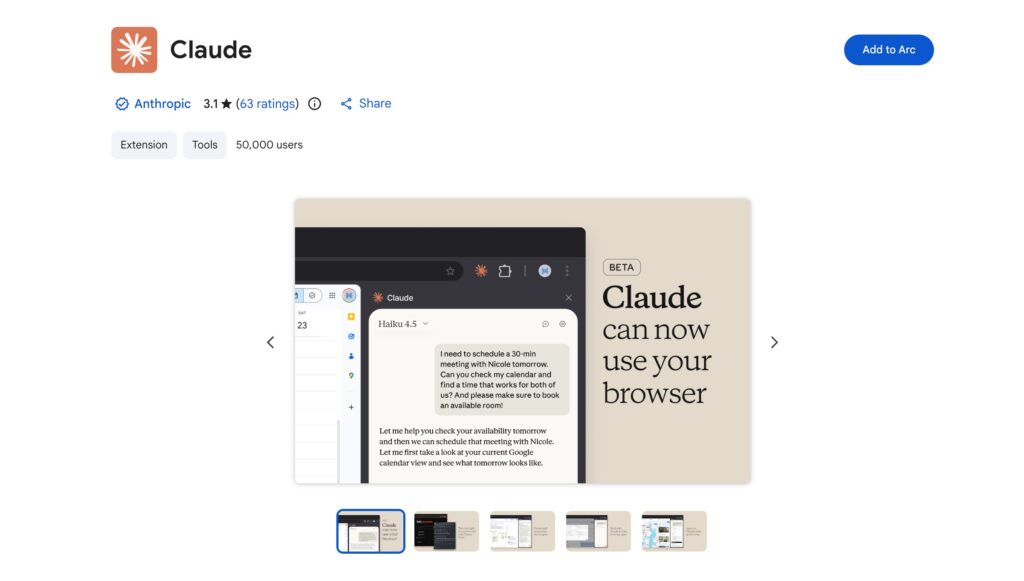
- Install: Add the official extension from the Chrome Web Store.
- Start Small: Let Claude handle low-risk tasks like summarizing dashboards or organizing a subset of files before trusting it with critical workflows.
To explore official safety guidance and more examples, visit the Claude in Chrome page.
Build Your AI-Powered Future
If you are interested in building practical AI-powered workflows, automations, and browser-native agents that go beyond the basics, visit khmuhtadin.com. Discover how these capabilities can be integrated into real products and business processes to drive efficiency.
Have you tried Claude for Chrome yet? Does it help your workflow or just get in the way? Let us know in the comments below!